
How to Download Facebook Reels
Quick Answer: To perform a facebook reels download, tap the Share button on the Reel, select Copy link, and open Save Downloads. Choose 1080p HD quality and tap Download. The vertical video saves directly to your device gallery under your Movies folder, ready for offline playback with synchronized sound.
Facebook Reels has rapidly expanded into a bustling hub for short-form entertainment, DIY home hacks, viral cooking recipes, comedy sketches, and fitness tips. Just like Instagram Reels and YouTube Shorts, Facebook Reels are displayed in a rapid vertical feed where clips can easily be lost once you refresh your stream.
In this guide, you will learn how to download facebook reels directly to your phone gallery or computer so you can rewatch them offline anytime.
Why Save Facebook Reels to Your Device?
While Facebook allows you to “Save” Reels to an internal collection, that feature has major flaws:
- No Offline Playback: If you lose internet connection while commuting or traveling, saved Reels cannot play.
- Creator Deletions: If the creator removes the clip or changes their profile settings, your saved bookmark disappears.
- Difficulty Sharing: You cannot share bookmarked videos into WhatsApp or Telegram group chats without sending web links that force friends to open Facebook.
Using an independent facebook reels downloader gives you a permanent, standalone MP4 file stored safely in your device memory.
How to Download Facebook Reels on Android
Saving a Reel to your Android device takes less than thirty seconds:
- Find the Reel: Open the Facebook app and navigate to the Reel you want to preserve.
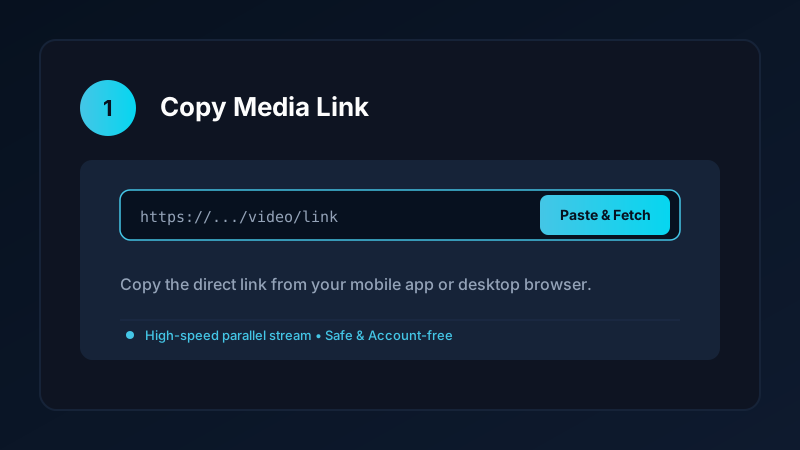
- Copy the Link: Tap the Share arrow on the bottom right of the Reel and select Copy link.
- Open Save Downloads: The application detects your copied link automatically.
- Choose HD Resolution: Select 1080p Full HD and tap Download.
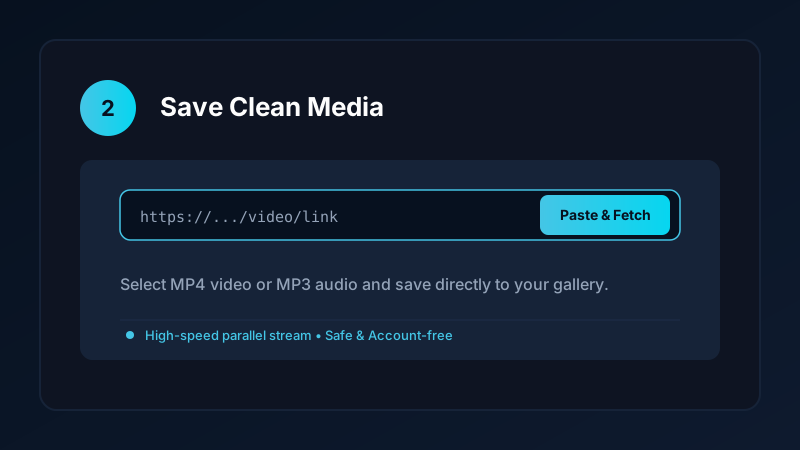
The completed video is saved directly into your device Movies/SaveDownloads folder, immediately visible in Google Photos, Samsung Gallery, and other media players.
How to Download FB Reels on iPhone and iPad
If you use an Apple iPhone:
- Copy the Reel link in the Facebook app.
- Open Safari and visit our clean online downloader tool.
- Paste the URL and tap Download.
- Open the iOS Files app, tap the downloaded video, tap the Share button, and tap Save Video.
The Reel is saved directly into your Apple Photos camera roll, ready to watch offline. For more iOS tips, read our iPhone video download guide.
Full Audio Synchronization: Never Settle for Silent Clips
A common issue when trying to perform an fb reels download using low-quality web tools is finding that the video has no sound:
- Facebook often delivers vertical video and audio tracks as separate web streams.
- Cheap online converters only download the video track to reduce server processing load, producing a silent clip.
- Save Downloads downloads both high-definition video and high-bitrate audio streams simultaneously and merges them seamlessly into a complete MP4 file.
Your saved Reels will always feature full, synchronized sound.
Organizing Saved Reels Into Custom Gallery Albums
To prevent your camera roll from becoming cluttered, organize your saved Reels into distinct folders:
- Quick Recipes: Store meal ideas and cooking tips in a dedicated folder for quick kitchen reference.
- Fitness Drills: Keep workout form guides and stretching routines organized for offline gym sessions.
- Home Improvement: Save DIY repair tutorials and woodworking hacks for weekend projects.
If you also save short-form vertical videos from other social platforms, explore our guides on how to download Instagram Reels in HD and how to download YouTube Shorts.
Safe, Account-Free Downloading
Many suspicious third-party apps demand that you log into your Facebook account before downloading media. This creates severe security hazards:
- Your personal login credentials could be stolen.
- Facebook may temporarily lock your profile for logging in through unverified apps.
Save Downloads operates 100% account-free. You never enter passwords, cookies, or account tokens. As long as a Reel is public, you can save it anonymously.
Copyright and Fair Use Reminders
When you download Facebook Reels:
- Use saved media strictly for personal offline viewing, research, or study.
- Respect creator copyright and never re-upload clips claiming ownership.
- Read our comprehensive legal guide on video downloading.
Looping and Reviewing Reels for Home and Fitness Training
Vertical videos are uniquely suited for hands-free practice where you need continuous visual reference:
- Fitness Drills: Loop exercise clips repeatedly at the gym to master form and posture without having to tap play each time.
- Cooking and Baking Steps: Keep recipe videos open in your kitchen. You can pause and review complex culinary techniques without touching dirty screens.
- DIY Home Projects: Keep plumbing or electrical repair guides saved locally in your workshop, ensuring uninterrupted guidance even in basements with zero cellular reception.
Frequently Asked Questions
Can I download Facebook Reels with audio included?
Yes. A complete reels downloader fetches both the vertical video stream and the background sound, saving a synchronized MP4 file.
How do I save Facebook Reels directly to my phone gallery?
Copy the Reel link, paste it into Save Downloads, and tap Download. The file is saved directly into your device Movies folder.
Can I download Facebook Reels on an iPhone?
Yes. Use Safari to download the video file, then export it from the Files app into your Apple Photos camera roll.
Is facebook reels downloader free on Save Downloads?
Yes. Save Downloads provides unlimited, free Facebook Reels downloading without sign-in requirements or subscription fees.
Ultra-Fast VPN & Uncapped Bandwidth
Protect your mobile downloads with military-grade AES-256 encryption. Prevent ISP bandwidth throttling and stream up to 8x faster.
Try Save Downloads for Android
Parallel multi-chunk downloads, lossless 1080p and 4K stream remuxing, WhatsApp status saver, and AES-256 encrypted vault. 100% offline and account-free.
Related Guides & Articles
4K Video Downloader: How to Download High-Resolution Videos
Looking for a true 4k video downloader? Learn how to download Ultra HD 4K and 1080p videos with synchronized sound for offline viewing on TV and mobile.
Best Video Downloader App for Android in 2026
Looking for the best video downloader app for Android? Discover top features to check: offline speed, 1080p/4K with sound, private vault, and no accounts.
How to Download a Full YouTube Playlist
Need a youtube playlist downloader? Learn how to download entire video playlists and music albums in one tap for complete offline viewing.