
How to Download Facebook Stories and Status Videos
Quick Answer: To perform a facebook story download, open the public Facebook Story, tap the three dots in the corner, and choose Copy link. Paste the link into Save Downloads and tap Download. The video file saves directly into your device gallery before the 24-hour expiration window closes.
Facebook Stories provide a lightweight, spontaneous way for creators, businesses, and friends to share daily life updates, announcements, and short video clips. However, because Stories automatically expire and disappear after 24 hours, valuable announcements, instructional tips, and memorable moments can be lost permanently.
In this guide, you will learn how to save public facebook story video download clips directly to your smartphone or PC before they disappear.
Why Ephemeral Stories Need Timely Saving
The 24-hour ephemeral format is great for casual updates, but frustrating when you want to archive important content:
- Disappearing Announcements: Event schedules, discount codes, and local community updates vanish after 24 hours.
- Memories and Milestones: Family celebrations and travel clips shared via Stories cannot be retrieved once they expire unless the creator archives them.
- Offline Access: Having a local MP4 copy allows you to review instructional videos at your own pace without an active internet connection.
Using a fast facebook status download utility ensures you capture important updates while they are still live.
How to Download Public Facebook Stories on Android
Saving a public Facebook Story on Android is simple:
- Open the Story: In the Facebook app or web browser, view the public Story you want to save.
- Copy the Link: Tap the three dots in the upper corner of the Story viewer and select Copy link to share this story.
- Open Save Downloads: The application detects your copied link automatically.
- Tap Download: Choose 1080p HD and tap Download.
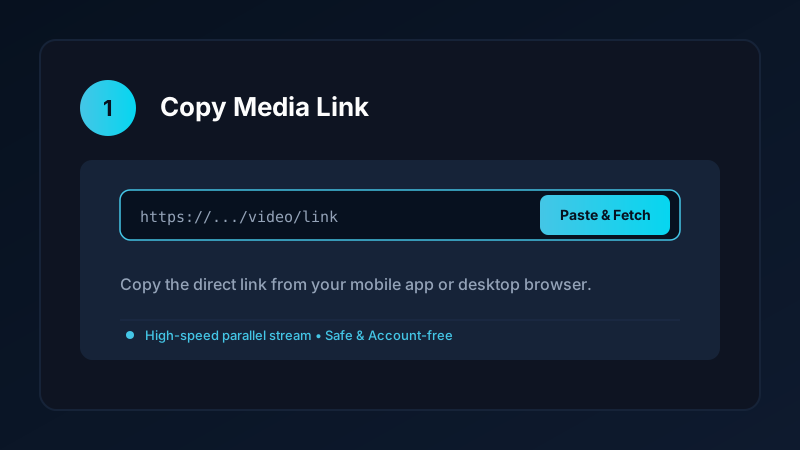
The completed video is saved directly into your device Movies/SaveDownloads folder, immediately visible in your phone gallery.
Understanding Privacy Limits on Stories
Before attempting an fb status download, verify the post privacy settings:
- Public Stories (Globe Icon): Can be downloaded anonymously by Save Downloads with zero accounts or logins.
- Friends-Only Stories: Restricted by Facebook to authenticated friends; external tools cannot access them anonymously without login credentials.
As detailed in our private Facebook video guide, you should never share your Facebook login password or session cookies with third-party websites to bypass privacy settings.
Anonymous Saving: Zero View Notifications
When you view a Story inside the Facebook app, your profile appears in the creator’s “Viewers” list. When you use Save Downloads to download a public Story via web link:
- The video stream is fetched directly through public server endpoints.
- Your personal Facebook profile is never submitted to Facebook.
- You can archive public media completely anonymously.
Saving WhatsApp Status Videos Offline
If you also want to save ephemeral media from WhatsApp, Save Downloads includes a native WhatsApp Status saver:
- Android caches viewed WhatsApp statuses temporarily in device storage.
- Save Downloads scans these cached files and allows you to save them to your permanent gallery with a single tap before they expire.
- Read our complete tutorial on how to download WhatsApp status videos.
Ethical Guidelines and Respecting Privacy
When downloading Stories and status updates:
- Save media strictly for personal offline reference, memory preservation, or study.
- Never republish or redistribute private or sensitive personal videos without explicit creator permission.
- Review our full overview on video downloading laws and ethics.
Managing Ephemeral Stories Across Multiple Social Apps
If you follow creators who post brief daily updates across multiple platforms:
- Cross-Platform Story Archiving: Combine your saved Facebook Stories with clips from Instagram Stories and WhatsApp Status updates into unified weekly project journals.
- Event and Conference Notes: Save speaker updates and flash announcements during live industry conferences where organizers share schedule changes solely through Stories.
- Offline Review: Watch back-to-back story updates during long flights or road trips without consuming mobile data or hitting expired link errors.
- Preserving Audio Fidelity: Stories frequently pair spoken updates with background tracks. Save Downloads ensures full audio synchronization so speech remains intelligible.
- Creating Weekly Highlights: Assemble multiple 15-second story clips into a continuous compilation video using your phone video editor for permanent family archives.
- Routine Storage Audits: Because story clips are short, saving dozens can accumulate small files. Use the Save Downloads storage tools to purge old temporary stories once you have archived your favorites.
Frequently Asked Questions
Can I download public Facebook Stories before they expire?
Yes. As long as a Story is shared publicly, you can copy the link and download the video file before the 24-hour limit.
Does Facebook notify the user when you download their Story?
No. When using an external stream downloader, the request is processed anonymously without triggering view notifications.
How do I save Facebook Stories to my phone gallery?
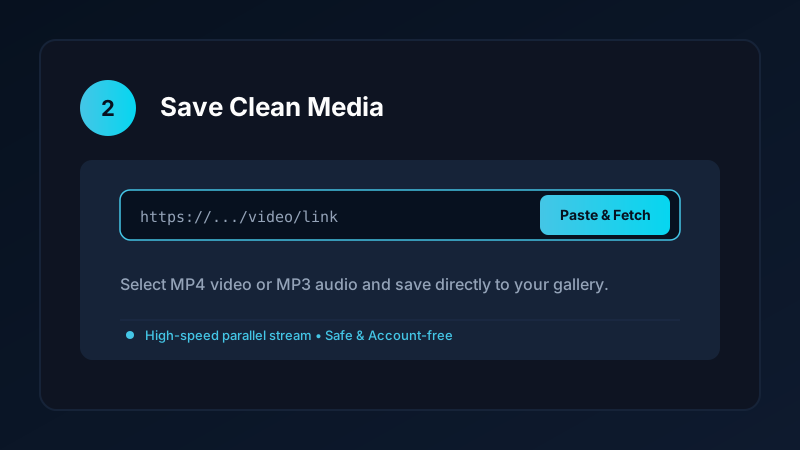
Paste the Story URL into Save Downloads and tap Download. The video is saved directly into your device Movies folder.
Can I download WhatsApp status videos as well?
Yes. Save Downloads includes a dedicated WhatsApp Status saver that detects viewed statuses directly on your device.
Ultra-Fast VPN & Uncapped Bandwidth
Protect your mobile downloads with military-grade AES-256 encryption. Prevent ISP bandwidth throttling and stream up to 8x faster.
Try Save Downloads for Android
Parallel multi-chunk downloads, lossless 1080p and 4K stream remuxing, WhatsApp status saver, and AES-256 encrypted vault. 100% offline and account-free.
Related Guides & Articles
4K Video Downloader: How to Download High-Resolution Videos
Looking for a true 4k video downloader? Learn how to download Ultra HD 4K and 1080p videos with synchronized sound for offline viewing on TV and mobile.
Best Video Downloader App for Android in 2026
Looking for the best video downloader app for Android? Discover top features to check: offline speed, 1080p/4K with sound, private vault, and no accounts.
How to Download a Full YouTube Playlist
Need a youtube playlist downloader? Learn how to download entire video playlists and music albums in one tap for complete offline viewing.