
How to Download TikTok Videos in HD
Quick Answer: To download tiktok video clips in HD, open TikTok, tap the Share button on the video, and copy the link. Paste the URL into Save Downloads, choose 1080p Full HD, and tap Download. The high-resolution video saves directly to your device gallery without blurriness, watermark overlays, or lossy re-compression.
Short-form mobile video has transformed modern entertainment. TikTok showcases everything from cinematic travel reels and precision cooking recipes to viral dance choreography and educational tutorials. When you come across a beautifully produced clip, you want to save it in its true uploaded quality rather than settle for a fuzzy, pixelated copy.
In this comprehensive guide, we explain how to download tiktok video content in full high definition, why native in-app saves reduce video quality, and how to keep your saved media organized.
Why In-App TikTok Saves Often Look Blurry
Many users wonder why using the built-in “Save Video” option inside the TikTok app produces videos that look noticeably grainier than the version streaming on their screen:
- Client-Side Compression: To save mobile data when users share files, the mobile app often recompresses the video before writing it to your phone storage.
- Watermark Blending: When the app bakes the bouncing logo into the corners of the frame, the re-encoding pass drops fine details from textures, hair, and small typography.
- Frame Rate Drops: Smooth 60fps clips may be downsampled to standard 30fps during in-app saving.
By using an external stream extractor, you bypass client re-compression completely and fetch the original master video file hosted on the media servers.
How to Download TikTok Videos in HD on Android
Saving a crisp tiktok video download hd file on Android takes just four simple steps:
- Locate the Video: In the TikTok app, find the video you want to preserve.
- Copy the Link: Tap the Share arrow on the right sidebar and select Copy link.
- Open Save Downloads: The application detects your clipboard and automatically populates the search input.
- Choose HD Resolution: Select 1080p Full HD and tap Download.
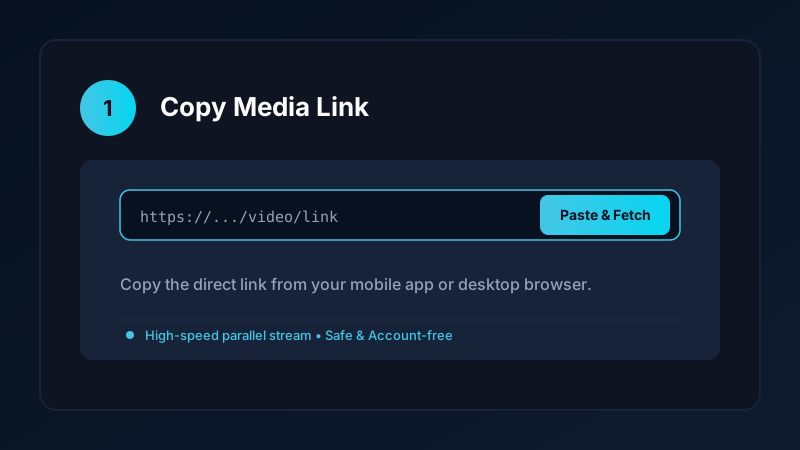
The completed video is stored as a clean MP4 file in your device storage, ready for offline playback anytime.
What Is the Difference Between 1080p and 720p on TikTok?
While vertical mobile screens are relatively compact, resolution plays a substantial role in visual sharpness:
| Resolution Tier | Pixel Dimensions | Typical Bitrate | Best Suited For |
|---|---|---|---|
| 1080p Full HD | 1080 × 1920 | 4.5 – 8.0 Mbps | Tablet screens, large smartphones, video editing |
| 720p HD | 720 × 1280 | 2.0 – 3.5 Mbps | Smaller smartphones, quick mobile messaging |
| 480p SD | 480 × 854 | 0.8 – 1.5 Mbps | Voice notes, spoken comedy, saving storage space |
For tutorials containing text on screen, code snippets, or recipes, choosing 1080p ensures every letter remains crisp and readable.
How to Get the Clean TikTok Download Link
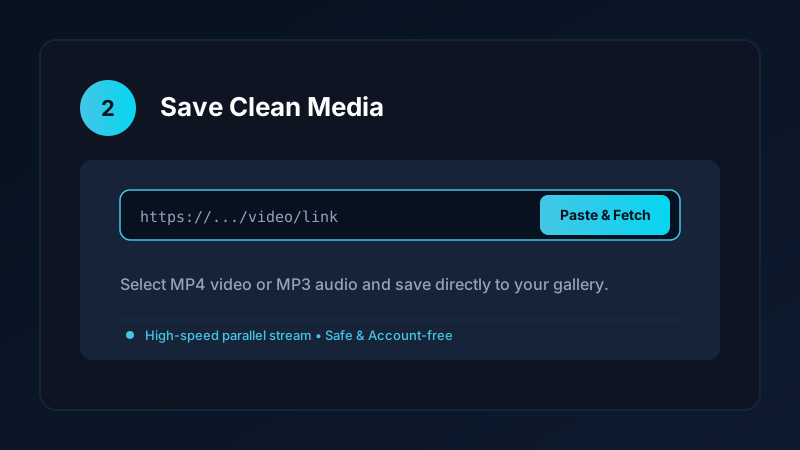
Finding the correct tiktok download link depends on whether you are browsing through the mobile app or on a computer:
- In the Mobile App: Tap Share > Copy Link. Links often begin with
https://vm.tiktok.com/...orhttps://www.tiktok.com/@user/video/.... - In a Desktop Web Browser: Look at the address bar while watching a video; copy the full URL from the browser navigation bar.
Save Downloads automatically resolves shortened redirect links, finding the direct video stream regardless of link format.
Saving Videos Offline for Travel and Study
Having your favorite clips saved locally on your phone brings immense convenience:
- Commuter Learning: Watch language tutorials, fitness form guides, and tech tips on subways and trains without cell reception.
- Zero Data Consumption: Replaying videos from your local gallery uses zero mobile data, protecting your monthly cellular quota.
- Instant Seeking: Jump forward, pause, and rewind without the video buffering or pausing unexpectedly.
If you also enjoy longer tutorials, explore our guide on how to download YouTube videos to MP4 for full-length offline media.
Storing TikTok Videos in a Secure Private Vault
Not all videos you save belong in your public photo reel. If you download personal fitness progress clips or private creative inspiration, Save Downloads includes an encrypted offline vault:
- Move any downloaded video into the vault with a single tap.
- Protect your files behind a biometric fingerprint or custom PIN lock.
- Media in the vault is completely hidden from standard gallery apps and photo pickers.
Copyright and Ethical Use
When you tiktok download video clips:
- Always respect creator copyright and intellectual property rights.
- Save videos only for personal offline reference, study, or fair-use commentary.
- Never republish creators’ work as your own on competing platforms without permission.
- Read our comprehensive guide to legal video downloading for detailed fair-use principles.
Frequently Asked Questions
Can I download tiktok video clips in 1080p Full HD?
Yes. When creators upload high-resolution video, a dedicated downloader retrieves the raw 1080x1920 stream without downscaling.
Why do some TikTok videos appear blurry after downloading?
Using low-quality screen recording or tools that re-compress the file causes blurriness. Direct stream extractors preserve original clarity.
How do I find the tiktok download link for any video?
Tap the Share icon on the TikTok video and choose Copy Link. The URL is ready to paste into your downloader.
Is downloading TikTok videos in HD free?
Yes, Save Downloads provides free, high-speed HD video downloads without subscription fees or accounts.
Ultra-Fast VPN & Uncapped Bandwidth
Protect your mobile downloads with military-grade AES-256 encryption. Prevent ISP bandwidth throttling and stream up to 8x faster.
Try Save Downloads for Android
Parallel multi-chunk downloads, lossless 1080p and 4K stream remuxing, WhatsApp status saver, and AES-256 encrypted vault. 100% offline and account-free.
Related Guides & Articles
4K Video Downloader: How to Download High-Resolution Videos
Looking for a true 4k video downloader? Learn how to download Ultra HD 4K and 1080p videos with synchronized sound for offline viewing on TV and mobile.
Best Video Downloader App for Android in 2026
Looking for the best video downloader app for Android? Discover top features to check: offline speed, 1080p/4K with sound, private vault, and no accounts.
How to Download a Full YouTube Playlist
Need a youtube playlist downloader? Learn how to download entire video playlists and music albums in one tap for complete offline viewing.