
How to Save Instagram Reels to Your Phone Gallery
Quick Answer: To save instagram reels to your phone gallery, tap the Share button on the Reel, select Copy link, and open Save Downloads. Tap Download, and the video is saved directly into your device
Movies/SaveDownloadsfolder, immediately visible in Google Photos, Samsung Gallery, or Apple Photos.
Instagram Reels is packed with inspiring content—from culinary recipes and home decor ideas to workout drills and travel recommendations. But using Instagram’s native “Save” feature merely bookmarks the post inside the app, leaving you unable to watch it offline or share it directly to other chat apps.
If you want to know how to perform an insta reels save directly into your phone camera roll, this complete step-by-step tutorial shows you how.
Why Store Instagram Reels in Your Local Gallery?
Having standalone video files stored in your physical phone gallery provides unmatched reliability:
- Always Available Offline: Watch cooking tutorials in the kitchen, workout guides at the gym, or travel itineraries on airplanes without buffering or cellular coverage.
- Protection Against Deletion: If a creator archives their account, deletes their post, or the audio track is muted due to licensing conflicts, your local copy remains intact.
- Easy Sharing in Chats: Send full MP4 video files directly in WhatsApp, Telegram, or Signal conversations without forcing recipients to open external Instagram links or log in.
Using a dependable reel saver instagram utility puts you in complete control of your favorite media.
How to Save Instagram Reels to Gallery on Android
The process is fast, private, and requires no technical knowledge:
- Find Your Reel: Open the Instagram app and navigate to the public Reel you wish to save.
- Copy the Link: Tap the Share button (paper airplane icon) and select Copy link.
- Open Save Downloads: The application detects your copied link automatically.
- Tap Download: Choose 1080p Full HD and tap Download.
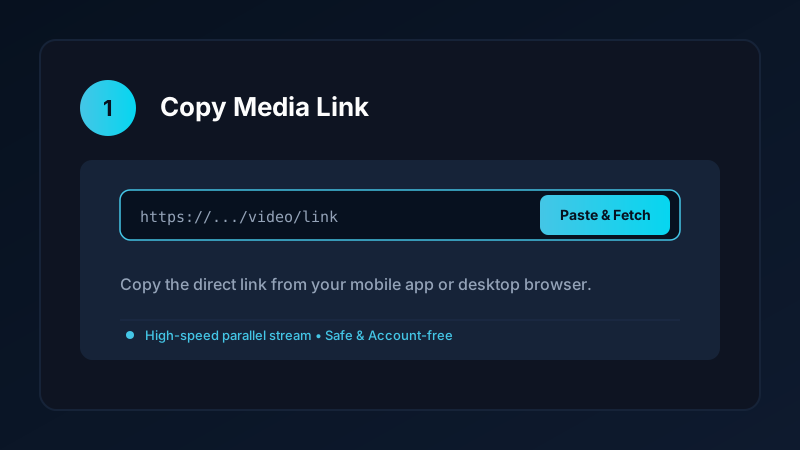
Within seconds, the video downloads directly into your public Movies/SaveDownloads directory. Android system media scanner indexes the new file immediately, making it visible under your gallery Albums tab.
How to Save Reels on iPhone to Camera Roll
If you use an Apple iPhone:
- Open Instagram and copy the Reel web link.
- Open Safari and visit our clean online downloader.
- Paste the URL and tap Download.
- When the file finishes downloading, open the Files app, tap the video, tap the Share button, and tap Save Video.
The Reel is immediately added to your Photos camera roll, accessible completely offline. For a deeper look at iOS workflows, read our iPhone video download guide.
Why Do Some Downloaders Deliver Silent Videos?
A common frustration when attempting to save reels with low-grade online web tools is discovering that the downloaded video has no sound:
- Instagram frequently separates visual video streams from background music and sound effect streams.
- Many free web converters only download the video track to save server processing costs, resulting in a silent file.
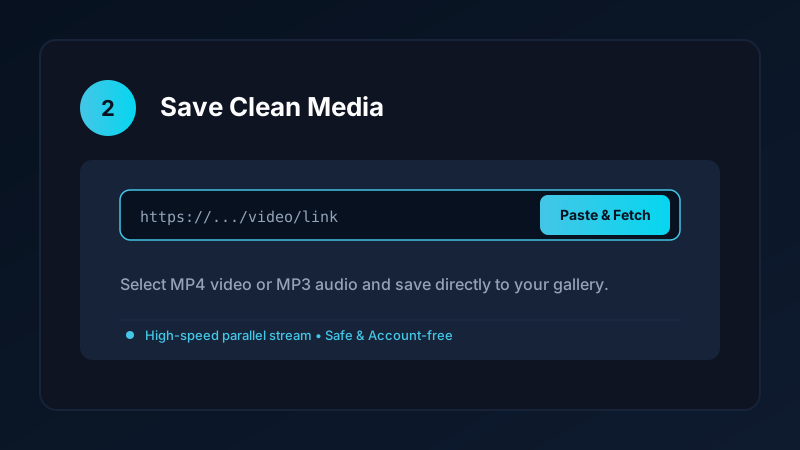
- Save Downloads downloads both high-definition video and high-bitrate audio tracks simultaneously and merges them seamlessly into a complete MP4 file.
Your downloaded videos will always play with crisp, synchronized stereo sound.
Organizing Saved Reels Into Custom Gallery Folders
As your collection of saved Reels grows, keeping your gallery organized ensures you can find clips instantly:
- Recipes & Cooking: Keep meal prep and baking tutorials in one album for easy kitchen reference.
- Fitness & Workouts: Store gym drills, yoga routines, and form checks for offline gym sessions.
- Design & Travel: Create moodboards of visual ideas, interior designs, and vacation destinations.
If you also enjoy short-form vertical videos from other social platforms, explore our guides on how to save TikTok videos to gallery and how to download YouTube Shorts in HD.
Privacy First: Safe, Account-Free Archiving
Many third-party apps claim to save Reels but require you to log in with your Instagram username and password. This exposes your personal account to credential theft and violates platform terms of service.
Save Downloads operates 100% account-free. You never log in, share private cookies, or grant account permissions. Any publicly accessible Reel can be saved anonymously.
Copyright and Fair Use Reminders
When you save Instagram Reels:
- Use downloaded media strictly for personal offline reference, study, or inspiration.
- Respect creator copyright and never re-upload clips claiming ownership.
- Review our overview of video downloading laws and ethics.
Frequently Asked Questions
How do I save an Instagram Reel directly to my gallery?
Copy the Reel link, paste it into Save Downloads, and tap Download. The app saves the file to your public Movies directory for instant gallery visibility.
Why do some tools save Instagram Reels without sound?
Instagram often delivers video and audio tracks separately. Save Downloads merges both tracks automatically so your gallery video always has sound.
Can I save Instagram Reels on iPhone to Camera Roll?
Yes. Download the video via Safari, open it in the Files app, tap Share, and select Save Video to send it to your Apple Photos camera roll.
Is it safe to use a third-party reel saver instagram tool?
Choose account-free tools like Save Downloads that do not require your Instagram username or password and operate cleanly offline.
Ultra-Fast VPN & Uncapped Bandwidth
Protect your mobile downloads with military-grade AES-256 encryption. Prevent ISP bandwidth throttling and stream up to 8x faster.
Try Save Downloads for Android
Parallel multi-chunk downloads, lossless 1080p and 4K stream remuxing, WhatsApp status saver, and AES-256 encrypted vault. 100% offline and account-free.
Related Guides & Articles
4K Video Downloader: How to Download High-Resolution Videos
Looking for a true 4k video downloader? Learn how to download Ultra HD 4K and 1080p videos with synchronized sound for offline viewing on TV and mobile.
Best Video Downloader App for Android in 2026
Looking for the best video downloader app for Android? Discover top features to check: offline speed, 1080p/4K with sound, private vault, and no accounts.
How to Download a Full YouTube Playlist
Need a youtube playlist downloader? Learn how to download entire video playlists and music albums in one tap for complete offline viewing.