
LinkedIn Video Downloader: How to Download LinkedIn Videos
Quick Answer: To use a linkedin video downloader, tap the three dots in the upper corner of any public LinkedIn post, choose Copy link to post, and open Save Downloads. Select 1080p HD quality and tap Download. The business tutorial or keynote talk saves directly into your device gallery or computer Downloads folder as a universal MP4 file.
LinkedIn has evolved from a simple resume directory into a bustling global professional network filled with executive keynote speeches, tech startup pitches, career coaching advice, coding walkthroughs, and industry masterclasses. However, streaming lengthy corporate lectures or panel discussions while commuting burns through cellular data.
In this guide, you will learn how to use a dependable linkedin video downloader to archive professional video tutorials directly to your smartphone or laptop for offline review.
Why Save LinkedIn Videos for Offline Study?
Archiving professional video content offers major advantages for career development:
- Commuter Learning: Watch industry analysis, leadership advice, and software tutorials on flights, trains, or subways without internet connectivity.
- Boardroom Presentations: Import expert video clips directly into PowerPoint or Keynote presentations without relying on unpredictable office Wi-Fi.
- Reference Libraries: Keep an organized digital archive of marketing case studies, engineering presentations, and economic forecasts for ongoing research.
Using an independent utility gives you permanent, reliable access to valuable career knowledge.
How to Download LinkedIn Videos on Android
Saving a video on your Android phone takes less than twenty seconds:
- Find the Video: In the LinkedIn app, locate the post containing the video you want to preserve.
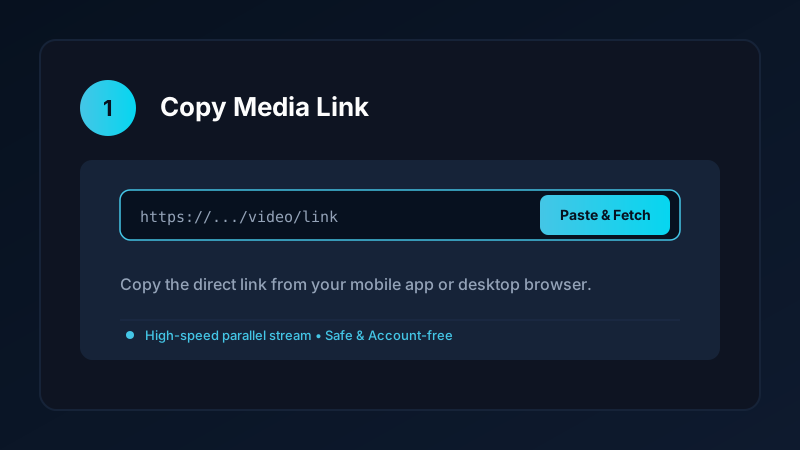
- Copy the Link: Tap the three dots in the upper-right corner of the post and select Copy link to post.
- Open Save Downloads: The application detects your copied link automatically.
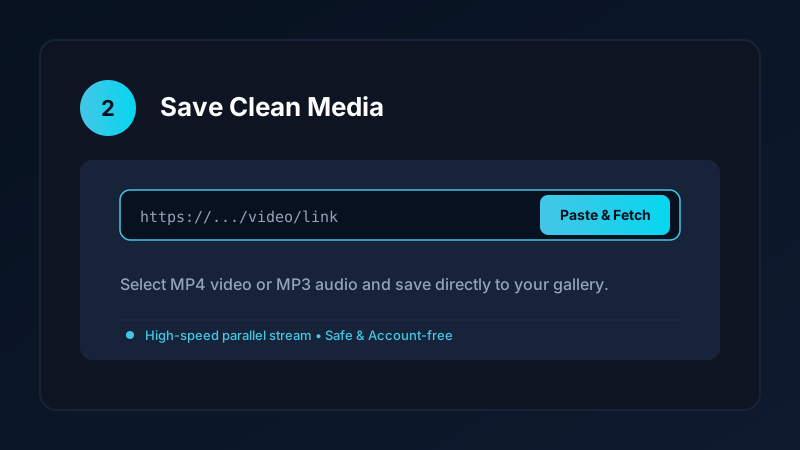
- Choose HD Resolution: Select 1080p Full HD or 720p HD and tap Download.
The completed video is saved directly into your device Movies/SaveDownloads folder, immediately indexed by Google Photos and Samsung Gallery.
How to Download LinkedIn Videos on PC and Laptop
For professionals working on desktop workstations:
- Open LinkedIn in Chrome, Edge, or Firefox.
- Click the three dots on the post and select Copy link to post, or copy the URL from your browser address bar.
- Paste the link into our verified online tool or upcoming Windows application.
- Save the resulting MP4 file directly into your computer
Downloadsfolder.
Completed files play smoothly in Windows Media Player, VLC, and QuickTime. For more desktop options, check our guide on how to download videos on PC and laptop.
Full Audio Synchronization: Pristine Speech Intelligibility
When studying technical lectures or business presentations, clear vocal articulation is vital:
- Save Downloads downloads high-definition video and high-bitrate audio streams simultaneously, packaging them into standard MP4 format.
- Speech remains crisp and clear, ensuring you never miss a critical detail in software demos or financial presentations.
- If you only want the spoken audio track to listen to like a podcast during your commute, switch the format selector to MP3.
Privacy First: No Account Credentials Required
Many suspicious browser extensions and tools demand that you log into your LinkedIn account before downloading videos. Doing so creates severe career risks:
- Your corporate account credentials could be harvested.
- Unauthorized third-party extensions violate LinkedIn terms and can trigger account restrictions.
Save Downloads operates 100% account-free. You never enter passwords, session cookies, or personal tokens. As long as a post is publicly viewable, you can save it anonymously.
Copyright and Professional Ethics
When downloading LinkedIn media:
- Use saved tutorials strictly for personal offline study, professional reference, or internal research.
- Always credit the original speaker or company if quoting material in professional meetings.
- Review our complete guide on video downloading laws and ethics.
Building an Offline Professional Career and Leadership Library
For executives, consultants, software engineers, and sales professionals:
- Executive Keynote Archives: Save landmark tech product launches, venture capital pitches, and industry keynotes for deep strategic analysis and team training.
- Commuting Learning Routines: Transform your daily train or flight commute into productive professional development by watching software tutorials and business negotiations offline.
- Team Training Seminars: Present saved tutorial clips during internal company workshops without worrying about corporate firewall restrictions or conference room Wi-Fi drops.
- Offline Audio Notes: Extract MP3 audio from leadership podcasts and interviews to listen during morning exercise routines or highway driving.
- Archiving Industry Trend Forecasts: Keep long-form market projections and panel analyses organized in dedicated project folders for client proposals and strategic planning.
- Managing Presentation Storage: 1080p business lectures can accumulate on corporate laptops. Use the Save Downloads storage tools to archive completed training modules to external corporate cloud storage.
Frequently Asked Questions
Can I download LinkedIn video posts in 1080p HD?
Yes. Save Downloads retrieves the highest resolution stream available from public LinkedIn posts up to 1080p.
Do I need to log into LinkedIn to download videos?
No. Save Downloads operates completely account-free; you never enter your LinkedIn login credentials or password.
Where are downloaded LinkedIn videos saved on mobile?
Completed files are saved into your device Movies/SaveDownloads folder, immediately visible in your phone gallery.
Can I download keynote presentations from LinkedIn for offline lectures?
Yes. You can save full conference talks and tutorials as MP4 files for offline classroom or boardroom presentations.
Ultra-Fast VPN & Uncapped Bandwidth
Protect your mobile downloads with military-grade AES-256 encryption. Prevent ISP bandwidth throttling and stream up to 8x faster.
Try Save Downloads for Android
Parallel multi-chunk downloads, lossless 1080p and 4K stream remuxing, WhatsApp status saver, and AES-256 encrypted vault. 100% offline and account-free.
Related Guides & Articles
4K Video Downloader: How to Download High-Resolution Videos
Looking for a true 4k video downloader? Learn how to download Ultra HD 4K and 1080p videos with synchronized sound for offline viewing on TV and mobile.
Best Video Downloader App for Android in 2026
Looking for the best video downloader app for Android? Discover top features to check: offline speed, 1080p/4K with sound, private vault, and no accounts.
How to Download a Full YouTube Playlist
Need a youtube playlist downloader? Learn how to download entire video playlists and music albums in one tap for complete offline viewing.